The short answer
Assign an owner for WordPress maintenance and agree how updates, backups and checks on important features are handled. Your team should know how to request help and what happens if an update causes a fault.
Your WordPress dashboard shows update notices, but nobody wants to click them in case the website breaks. Meanwhile, a booking tool or contact form is important to the business every day.
The decision should not depend on whichever staff member happens to see the notification.
Name the person responsible
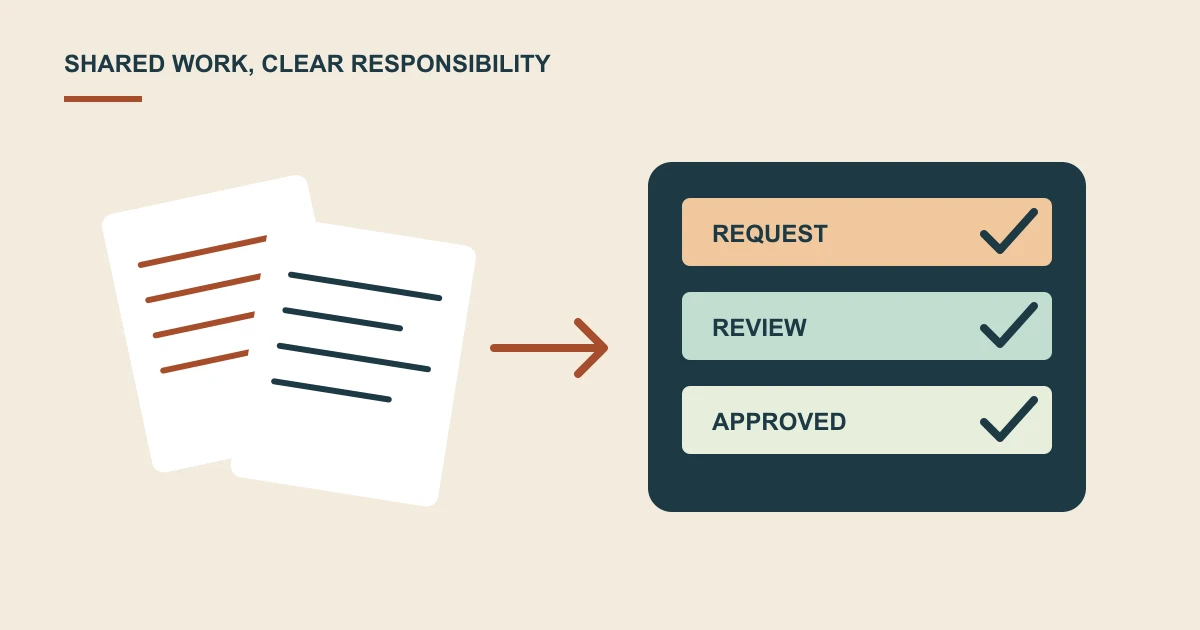
Decide whether maintenance belongs to your internal team or a support provider. Make sure that person has the access, records and agreed time to do the work.
Keep account ownership clear so a change of employee or supplier does not leave the business locked out.
Include the features customers rely on
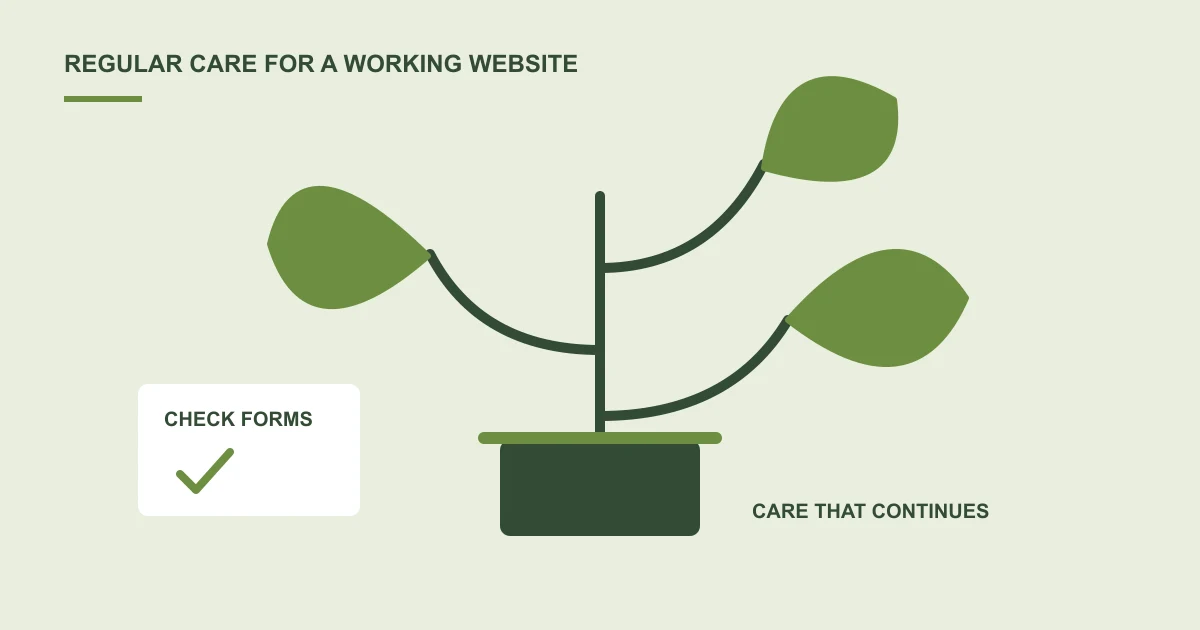
List enquiry forms, bookings, payments, member areas and other important tools. Ask how those features are checked when software changes.
A page loading successfully does not establish that a message was delivered or an order completed. The checks should match the actual website.
Agree preparation and recovery
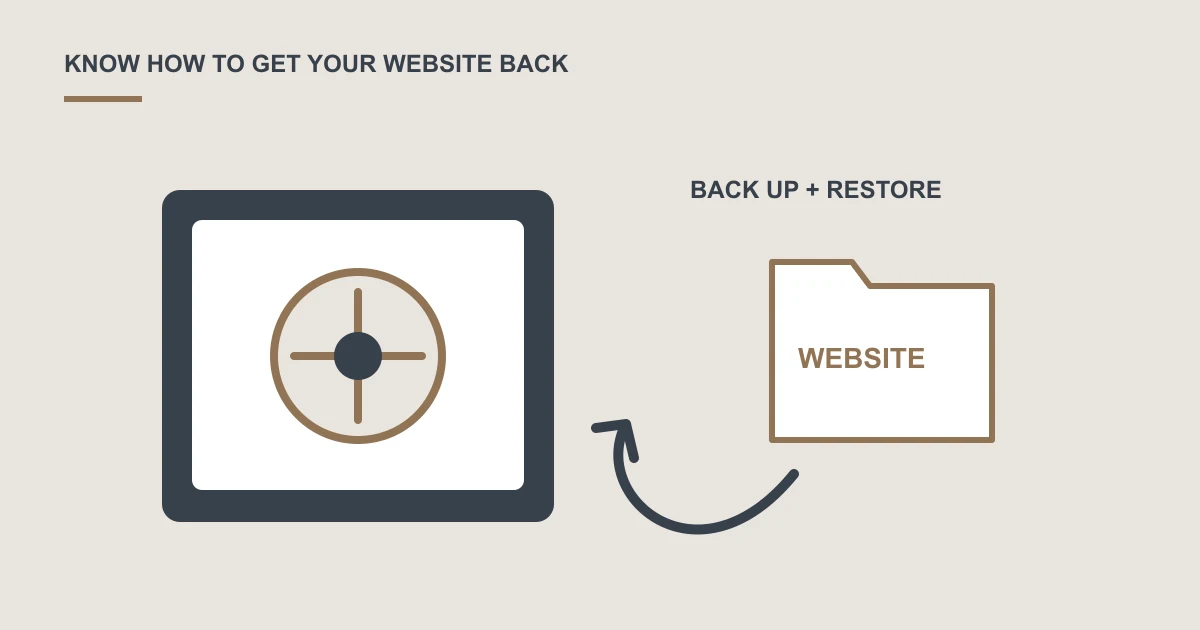
Ask what backups are taken, where they are kept and how a previous working state can be restored. Find out whether a separate test environment is appropriate for the changes involved.
Clarify who handles a fault after an update and whether recovery is included in your support arrangement.
Make everyday changes easier too
Your team may also need help changing opening hours, adding a service or replacing an image. Separate routine content requests from new feature development when comparing support plans.
Discuss website maintenance and support if update notices currently have no clear owner.
A common question
Should we just turn on every automatic update?
Agree an update approach with your provider based on your website and its important features. Understand how changes are checked, what recovery is available and who responds if something stops working.
Sources and project context
- Yukt Law Offices: redesign and continuing website care Web Build Solutions project record
Turn the question into a clear next step.
Tell us about your current setup, the people using it and what needs to improve.