The short answer
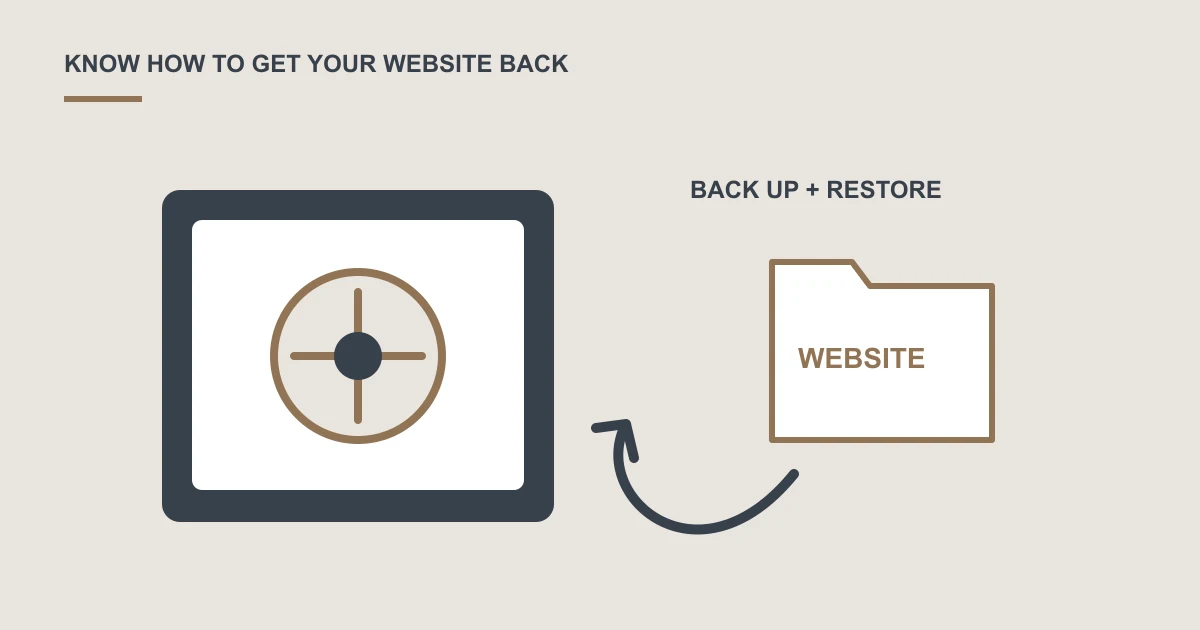
A useful backup plan identifies the website files and data that need saving, the frequency and retention of copies, and who can restore them. Agree a recovery check and understand what information could be lost between backups.
A provider says backups are running, so everyone assumes the website can be recovered. Then a page disappears, an update fails or an account becomes unavailable, and nobody knows which copy to use.
The important question is whether the right person can restore a usable website when it matters.
Know what needs saving
A website may include page files, uploaded media, a database and configuration. On a WordPress site, both files and database content need consideration.
Think about enquiries, orders and other records as well. A copy of the public design alone may not contain the information your business needs.
Agree timing and retention
How much recently added information could the business afford to lose? Use that question to discuss backup frequency.
Also ask how far back you can go. A problem noticed weeks later may already be present in the newest copy, so retention matters as well as frequency.
Plan access and responsibility
Know where copies are held, who can access them and whether they remain available if the main hosting account fails. Protect access because backups may contain personal or business information.
Agree who performs recovery, what it costs and how you contact that person.
Check recovery before an emergency
Arrange an appropriate test away from the live site. Confirm that important pages, records and forms work after restoration.
Discuss website maintenance and support if backups currently have no documented owner or recovery process.
A common question
Are the hosting provider's backups enough?
Review the actual scope, retention, access and recovery terms. Consider what happens if the hosting account or server is unavailable, and agree whether separate copies are needed for your business.
Sources and project context
- WordPress: Backups and recovery preparation Checked 22 October 2026
Turn the question into a clear next step.
Tell us about your current setup, the people using it and what needs to improve.