The short answer
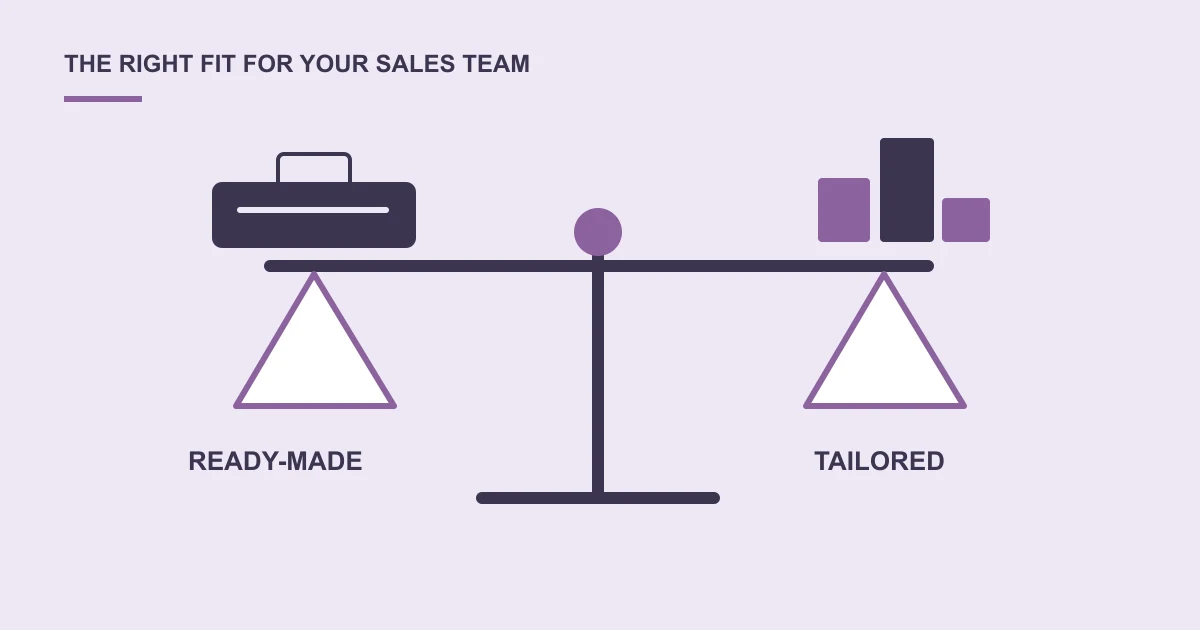
Try a ready-made CRM against your real sales process first. Consider custom development when essential workflows, permissions or connections cannot be handled sensibly through an existing product.
Enquiries arrive through calls, email and your website. Some get a quick response; others disappear into personal notes. You want a CRM, but the choice between a subscription product and custom development feels larger than the original problem.
Start by describing how an enquiry becomes a customer.
List the work your team actually does
Write down who receives enquiries, who assigns them, what a follow-up looks like and what managers need to see. Include handovers, reminders and reasons a lead may be closed.
Use a recent, anonymised enquiry to walk through a product demonstration. It is more useful than a tour of features your team may never use.
When a ready-made CRM is a good fit
An existing product may suit familiar sales stages, standard reminders and straightforward reporting. Compare user charges, configuration, data export and the support your team will need.
Do not judge only the first subscription payment. Include setup, training, additional tools and the practical effort of keeping records current.
When custom development is worth discussing
You may have an approval process, several connected departments or specific access rules that standard products handle awkwardly. Explain why each requirement matters before deciding it needs a custom feature.
Ask for a first version focused on essential work. A long feature list is less useful than a process staff can follow consistently.
Questions to settle before committing
Who owns and can export your customer information? What happens when staff leave? Which email, website or accounting connections are required? Who maintains the system?
Explore custom CRM development with your workflow and current frustrations as the starting point.
A common question
Can we improve our current CRM without replacing it?
Often the first step is to review setup, training and missing connections. A focused integration or small companion tool may address the problem without moving all customer records.
Sources and project context
- AustarHQ: a connected workspace for real estate operations Web Build Solutions project record
Turn the question into a clear next step.
Tell us about your current setup, the people using it and what needs to improve.