The short answer
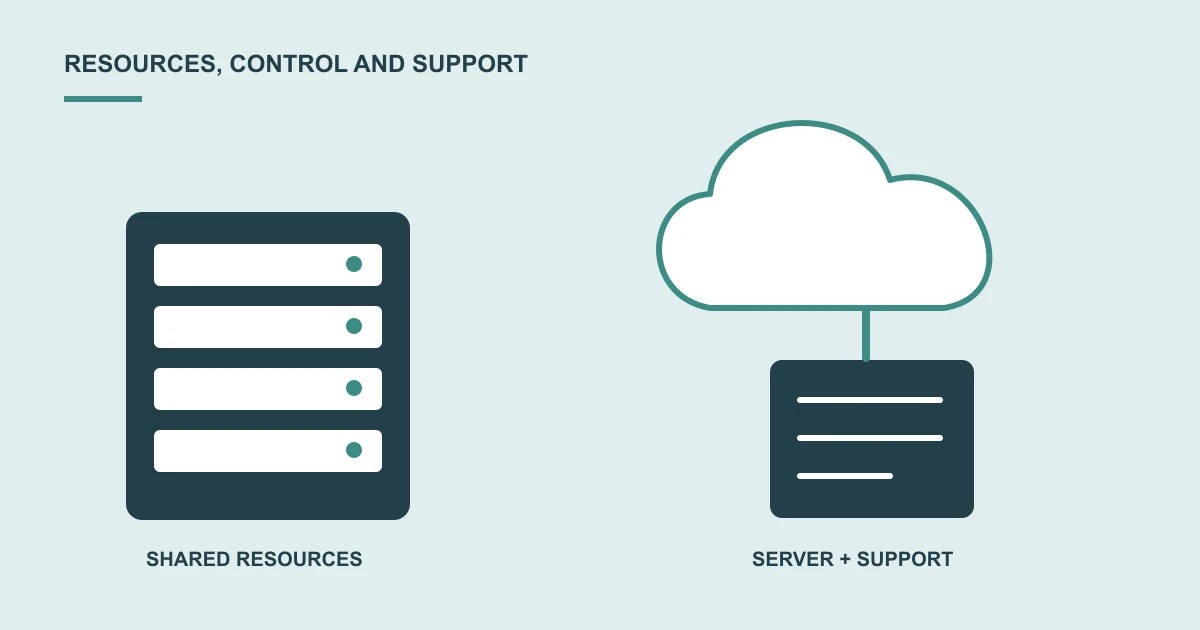
Shared hosting describes how resources are provided; a cloud server gives a different level of control and responsibility; managed support describes work a provider agrees to handle. Compare the actual scope instead of treating these labels as interchangeable.
A supplier recommends a cloud server. Another suggests managed hosting. You want a reliable website, but the proposals seem to answer different questions.
They may be describing different things: where the site runs, how resources are allocated and who looks after it.
Understand the responsibility you are buying
A shared plan may suit a site within its limits. A separate server may offer more control but also needs configuration, updates and monitoring.
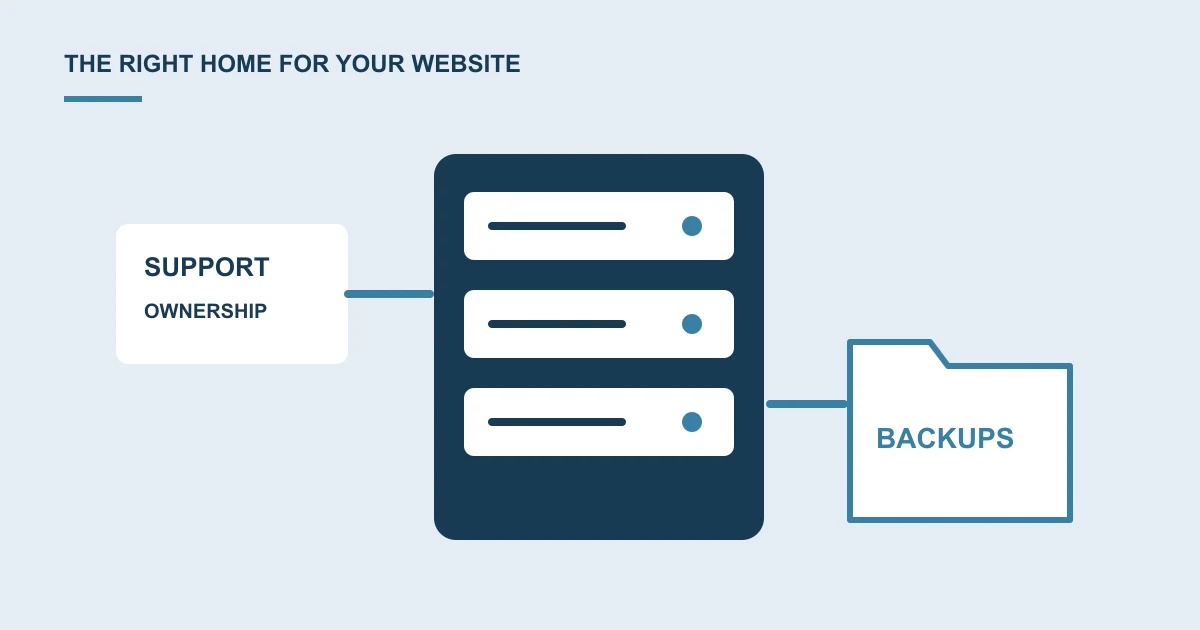
Ask what the provider actually manages. Server care, website maintenance, backups and content support are separate items unless the agreement combines them.
Start with the problem
Are visitors seeing delays, staff unable to work, or the site reaching a stated account limit? Ask for the issue to be investigated before choosing a larger plan.
A slow page caused by heavy images or external tools may still be slow on a more expensive server. Workload and software both matter.
Compare the complete running arrangement
Include ongoing administration, backup storage, support, licences and any usage-based charges. Understand renewal pricing and who reviews capacity as needs change.
Clarify access, account ownership and how your data can be moved. Those details matter if your business changes provider later.
Request a migration and validation plan
Agree which journeys will be checked, when the move happens and how changes to records are handled during the transition. Include rollback responsibilities.
Discuss cloud setup and migration before committing to a server upgrade.
A common question
Will moving to a cloud server make the website faster?
It depends on the cause of the delay and the proposed configuration. Ask for evidence of the bottleneck and a plan to compare the same customer journeys before and after the move.
Sources and project context
- Google Search Central: Hosting transition checks Checked 22 October 2026
Turn the question into a clear next step.
Tell us about your current setup, the people using it and what needs to improve.