The short answer
AI can help create layouts, draft content and build pages. A suitable builder may be enough for simple needs. Redesigning an existing business site also requires checks on its content, URLs, forms, ownership and continuing support.
Yes, AI can help redesign a business website. Depending on the tool, it may generate pages, suggest new layouts, rewrite content and assemble a visually coherent site from a short description. For a simple brochure website with limited requirements, that may be enough to get started, and sometimes enough to publish.
For an existing site, check whether the result meets your requirements, preserves useful content and connections, and can be maintained after launch.
What AI website builders are already good at
AI tools can help explore page layouts and produce content drafts. Webflow's current documentation describes generating a new site's structure, content and theme. Its AI site builder works for a new site or one originally generated with that builder; it cannot simply be applied to an existing non-AI-built Webflow site. That limitation is specific to this product, not a rule for every AI tool. Check the selected platform before planning a redesign.
If your business needs a small website describing services, location and contact information, a suitable hosted builder may handle design and deployment without a custom developer. You still need to confirm content accuracy and ensure that the site meets your needs.
What AI cannot determine from a prompt alone
An AI tool can suggest a page layout, but it does not automatically know which enquiries your team values, how staff handle those leads, what the current site ranks for, who owns your domain or which claims you can legally publish. Those details come from the business and its systems.
A redesigned website may need to preserve a booking process, payment integration, existing article URLs or customer portal. A visually attractive generated replacement can miss those dependencies if nobody defines and checks them.
Illustrative enquiry-form anatomy
What happens after Submit?
A form's appearance is only one part of the enquiry journey.
- Receipt
- Does the message reach the intended inbox or CRM?
- Responsibility
- Who is assigned to handle it?
- Reply
- Can the business respond to the sender?
A design preview is not the same as a finished business website
Before launch, verify that enquiry forms reach the right mailbox or CRM, links work, important pages are accessible, mobile navigation is usable, images and text are licensed appropriately, and the website can be backed up and maintained.
If the site includes user accounts, customer data or payments, the technical review must go deeper. Authentication, permissions, input validation, dependency safety and data handling are engineering concerns, not merely design details. Human-written code needs the same review; the issue is whether the implementation is verified.
Can AI handle SEO and migration?
AI can help suggest page titles, organize content and identify possible technical checks. It cannot guarantee search rankings. If an existing site has useful content or search traffic, a redesign must consider URL mapping, redirects, crawlability and monitoring. Google recommends deliberate planning and testing during site moves.
Google's generative AI guidance focuses on accurate, useful content and warns about scaled content made without adding value. AI use alone is not an assurance of quality or search visibility. A generator filling SEO fields does not establish that the whole site has been checked.
Is DIY AI always cheaper than hiring a developer?
It depends on the scope and your own time. A hosted AI builder may be the most economical route for simple needs. For more complex work, the apparent saving can shrink if you spend many hours fixing layouts, connecting integrations, moving content or troubleshooting deployment.
An AI-assisted development scope can include drafting and repetitive implementation alongside requirements work, code review, security checks, deployment and support. Agree the responsibilities and verify the work; this draft does not claim a measured time or cost saving. That does not make every agency project cheaper, and it does not mean a developer is necessary for every site.
Illustrative scenarios, not client results
Scenario 1: A simple new website. A local business with a handful of pages and a basic contact form might use an established hosted builder successfully. Confirm recurring costs, domain control and form delivery.
Scenario 2: An outdated website with useful Google traffic. AI can propose modern layouts, but preserving content and addresses may require a migration plan. A technical review becomes more valuable.
Scenario 3: A site connected to business operations. If enquiries feed into a CRM, users log in, or payment and booking systems are involved, test every integration and permission path. The complexity is operational, not merely visual.
Review checkpoints
- DIY may fit
- Simple needs and manageable responsibilities
- Review needed
- Existing content, URLs or integrations
- Verify separately
- UI response, delivery and permissions
- Agree ownership
- Access, export and support
How to decide what kind of help you need
Ask yourself:
- Is the project a new simple website or a redesign of an existing one?
- Does the current site have useful pages, backlinks or search traffic?
- Are there forms, integrations, user accounts or special workflows?
- Who will review content, accessibility, privacy and security?
- Who can fix the website after it launches?
- Do you own and understand the necessary accounts and exports?
If you can confidently handle these responsibilities with your chosen platform, DIY may be reasonable. If not, professional assistance can be scoped to the parts that need it; you do not necessarily have to start over.
Where WebBuild fits
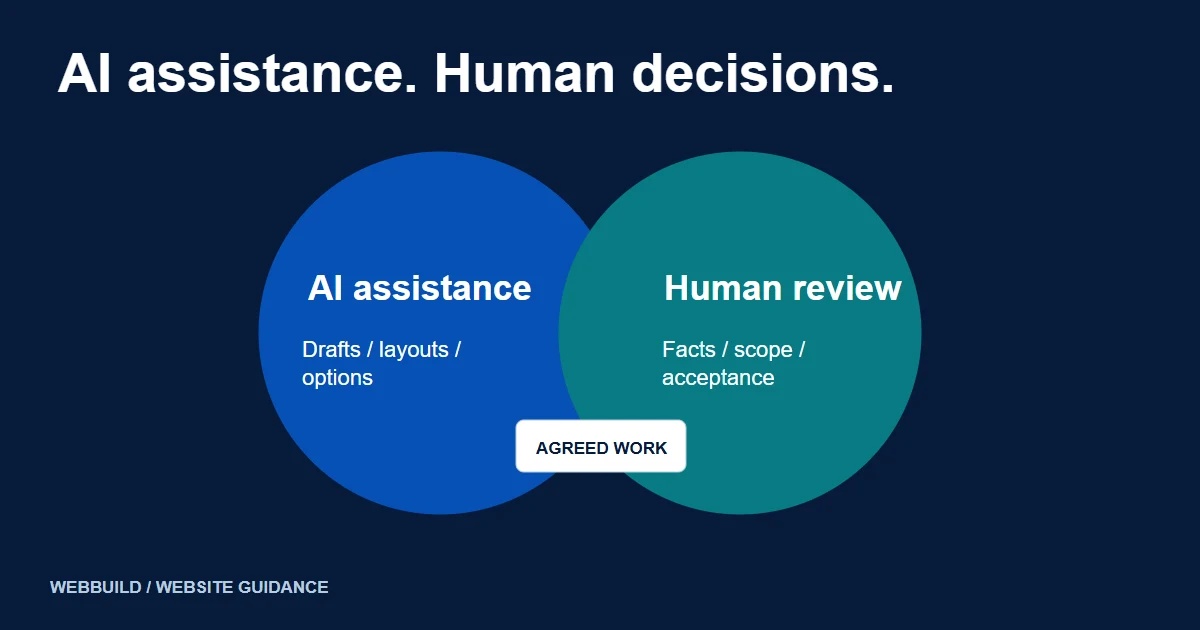
WebBuild's website redesign service can be discussed around the current site, the required changes and the work needed for a maintainable launch. If you want AI used in the project, agree where it will assist, what will be reviewed and who is responsible for the delivered result. A generated preview is one part of that discussion; it is not a verified record of completed work.
AI is a genuine option for website creation and redesign. For simpler needs, it may be sufficient. For an existing business website with important content, integrations or operational dependencies, professional help can be scoped around the checks and implementation work you need. The choice should follow the requirements and the selected platform.
Tell us about your project
Start with your details. We’ll discuss the right next step.
Discuss the next step
Explore WebBuild Website Redesign and use the existing redesign brief checklist to prepare your requirements.
Questions covered in this guide
Can this Webflow AI builder redesign any existing site in place?
The checked documentation limits the builder to a new site or an existing site originally generated with it. Check the actual platform and project requirements.
Does AI use guarantee better search rankings?
No. Useful content, access, technical checks and the finished website still need review; no ranking outcome is promised.
Sources and project context
- Webflow: build a site with the AI site builder Checked 7 November 2026
- Google Search: guidance on generative AI content Checked 7 November 2026
- Google Search Central: site moves with URL changes Checked 7 November 2026
- OWASP: secure coding with AI Checked 7 November 2026
- Yukt Law Offices: redesign and continuing website care Web Build Solutions project record
Turn the question into a clear next step.
Tell us about your current setup, the people using it and what needs to improve.