The short answer
Yes. WordPress can remain your content management system while a separate frontend presents the public website. Compare that approach with improving conventional WordPress, and require proof that previews, published updates, customer functions and SEO work in the proposed arrangement. Keeping the CMS still leaves integration and maintenance responsibilities to agree.
Your team knows how to publish in WordPress. The content is useful, and changing the editor would mean retraining people. Yet a new customer journey or integration may need more flexibility than the current website provides. Can you keep the publishing system and change the part visitors use?
Yes. WordPress can supply content to a separate frontend, often called headless WordPress. That gives the project a different division of work: WordPress manages content, while a separate application presents it to visitors. Whether that arrangement is worthwhile depends on the requirements, the existing plugins and who will maintain both systems.
This is Part 2 of our WordPress series. Part 1 covers optimizing the existing website before considering a wider rebuild. Here we compare ways to retain WordPress and the checks to request before committing to a separate frontend.
What changes when WordPress becomes the CMS?
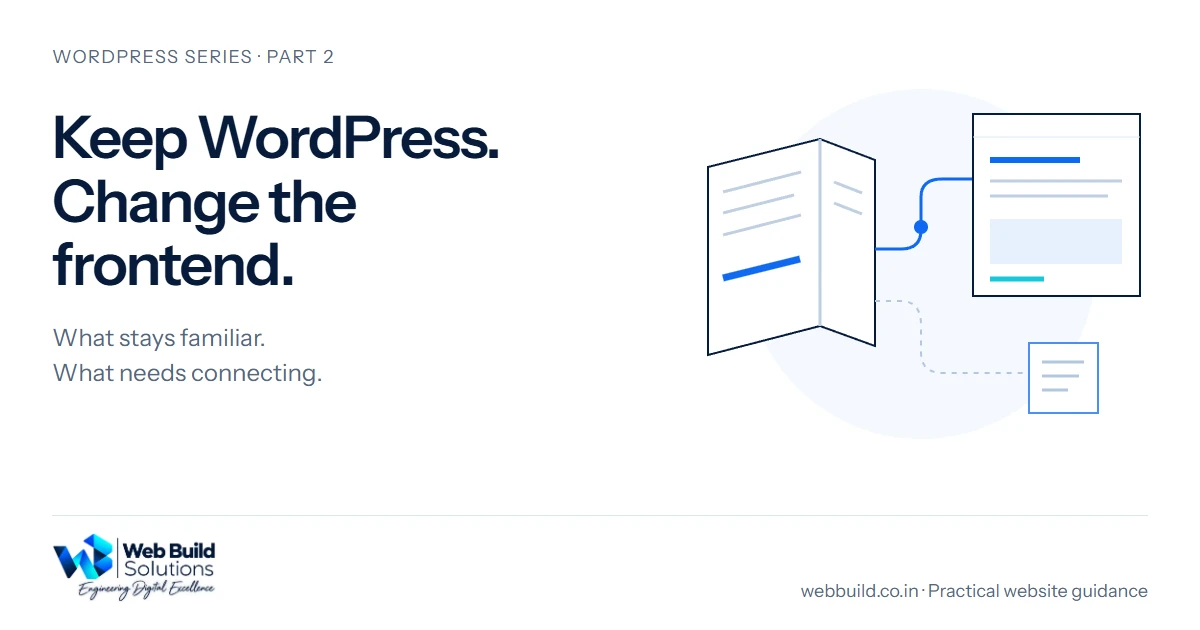
In a conventional WordPress website, the theme helps produce the pages visitors see. In a headless arrangement, a separate frontend retrieves content through an interface such as the WordPress REST API. Your editors can continue using WordPress, while developers build the public presentation elsewhere.
For example, a business might retain its article library and editorial roles while commissioning a custom service catalogue. This is an illustrative requirement, not a claim about a WebBuild client project. The content model and editor screens may still need changes to support the new presentation.
Next.js is one possible frontend framework. Choosing it does not by itself demonstrate faster pages, better accessibility or more enquiries. Ask the team to show how the proposed implementation addresses the specific limitation you have identified.
Keeping the editor, connecting the output
One content source. Two checks before sign-off.
- Preview
- A protected connection lets an editor check draft content in the separate frontend before it becomes public.
- Public update
- Publishing needs an agreed refresh process. Verify that the visitor-facing page actually shows the change.
- Customer functions
- Forms, search and other functions need their own implementation and tests. Content access alone does not provide them.
Compare a new theme, a separate frontend and a partial change
WordPress itself continues to support modern development. A business can improve its theme, blocks or integrations without replacing the whole public frontend. Ask for these alternatives to be considered before selecting the architecture.
- Improve conventional WordPress
- Publishing and the theme-based public website stay together. Assess whether targeted work or a new theme can meet the requirement.
- Keep WordPress with a separate frontend
- WordPress remains the content management system. Assess content access, presentation, preview, updates, customer functions and support across both systems.
- Change one part of the website
- Selected pages or an application use a different implementation. Assess shared navigation, URLs, analytics, authentication where relevant, and responsibility at the boundary.
A partial approach is sometimes called hybrid. The label is broad: a separate booking application and a headless marketing section are different projects. Require a written description of which routes each system serves and how visitors move between them.
Which plugins and content features will still work?
Start with an inventory of the functions people actually use. Include forms, search, redirects, multilingual content, memberships, commerce and any connection to a CRM or booking service. Record the owner and destination of each function.
The REST API does not reproduce the entire themed website. Custom content types need suitable API support. Blocks can also have static or dynamic rendering and depend on styling or scripts. Treat compatibility as something to demonstrate for the actual components, rather than infer from a plugin being installed.
A form that appears in the editor, for instance, does not prove that a separate frontend can display it correctly, validate a submission or deliver the enquiry. Ask for a test that follows the whole task through to its receiving record. Keep anti-spam measures, consent, error recovery and delivery responsibilities in the scope.
Do the same for SEO fields and redirects. Find out where they are stored, how the new frontend receives them and which system actually serves the public metadata or redirect. Avoid paying twice for overlapping services because ownership was left unclear.
Can editors preview and publish without a developer?
Request a demonstration using your own types of content: draft a page, preview it in the new design, publish it, edit it and check the public result. Include an image change and any important custom fields.
Preview needs a deliberate connection between the editor and frontend. Next.js Draft Mode is one implementation option. Preview access must distinguish drafts from content intended for the public. WordPress authentication and the permissions of the requesting user still matter; putting an administrative credential into public browser code is not an acceptable shortcut.
Public updates need their own check. A frontend that caches or prebuilds pages needs a defined way to refresh the affected output. The mechanism may involve an event, a timed refresh or a deployment, depending on the design. Next.js documents revalidation, but the installed version and configuration determine the implementation. Agree how quickly changes should appear and what happens if the update process fails.
Editors should know whether they can add a new layout themselves, choose from approved layouts or request development. Keeping WordPress does not automatically preserve every page builder's editing experience.
What happens to SEO and existing URLs?
Ask for a URL inventory before work begins. Keep useful addresses where practical, and identify every address that will change. When URLs do change, plan relevant redirects, update internal links and submit the appropriate sitemap. Google's site-move guidance explains the work involved and the possibility of temporary ranking fluctuations.
A JavaScript frontend also needs an explicit search implementation. Check the page content Google can access, crawlable links, titles, descriptions, canonical URLs, status codes and structured data. Google's JavaScript SEO guidance explains crawling and rendering; selecting a framework does not complete those tasks.
Review real output on a test deployment, then verify the public website after release. Our website redesign and SEO guide provides a fuller migration checklist. No technical approach can guarantee that rankings will remain unchanged.
When is retaining WordPress with a new frontend worth considering?
It deserves investigation when the publishing process works and you can name a requirement the current presentation cannot meet within a sensible scope. Examples include a distinct application experience or content reused across several destinations. A prototype should test the difficult requirement before the whole website is rebuilt.
Conventional WordPress may remain the practical choice for a straightforward website whose main problems are fixable. A small team that depends on theme previews and plugin interfaces should weigh the extra implementation and support work carefully. A separate frontend creates another deployment and a connection that somebody must maintain.
Compare quotes over the period you expect to operate the site. Ask what is included for hosting, licences, dependency updates, monitoring, backups and recovery. Include content-model changes, editor training and the cost of future layouts. Request clear access and handover arrangements so the business can continue operating if its supplier changes.
What should you ask a developer to prove?
Use a small acceptance exercise before agreeing the full build:
- An editor previews and publishes a representative page without developer intervention, then verifies an update on the public frontend.
- A visitor completes an important task on mobile, including error recovery, and an agreed test confirms the receiving record.
- The team checks representative URLs, metadata, redirects where needed and crawlable output.
- The handover names who maintains WordPress, the frontend and their connection, including recovery when one part fails.
Record the observations and unresolved limitations. This gives you a basis for comparing the proposed architecture with improving the existing WordPress website. It also helps separate a compelling prototype from a system your team can operate.
Discuss a WordPress website redesign with WebBuild using your current URL, the publishing tasks you need to retain and the customer task you want to improve. We can assess the scope with you before recommending an implementation.
Next in the WordPress series
Part 3 is now available: when should you migrate from WordPress to a custom website? It covers content, integrations, SEO and ongoing ownership. Optimization, a separate frontend and full replacement are alternatives to compare against your needs; the series does not assume every business should eventually migrate.
Tell us about your project
Start with your details. We’ll discuss the right next step.
Questions covered in this guide
Is headless WordPress automatically faster?
No. Performance depends on the frontend, content delivery, media, browser work and hosting. Compare measured output for the pages and tasks that matter; the architecture name does not prove an improvement.
Can editors keep using WordPress?
Yes, but demonstrate the actual workflow. Custom fields, page layouts and preview may need changes, and publishing must refresh the separate frontend as agreed.
Will every WordPress plugin work on a separate frontend?
Do not assume compatibility. Inventory the functions and test their content access, rendering and working journeys. A plugin can remain useful in WordPress while its visitor-facing functionality needs separate integration.
Do we have to change our URLs?
A separate frontend does not inherently require a new public URL structure. Inventory existing addresses, retain useful ones where practical and plan relevant redirects for any that change.
Sources and project context
- WordPress REST API handbook Checked 9 November 2026
- WordPress REST API authentication Checked 9 November 2026
- WordPress custom content and REST API support Checked 9 November 2026
- WordPress static and dynamic block rendering Checked 9 November 2026
- Next.js Draft Mode Checked 9 November 2026
- Next.js revalidation Checked 9 November 2026
- Google JavaScript SEO basics Checked 9 November 2026
- Google site moves with URL changes Checked 9 November 2026
Turn the question into a clear next step.
Tell us about your current setup, the people using it and what needs to improve.