The short answer
A managed CMS should give your team practical editing tools and an agreed plan for updates and support. Add lead capture with clear destinations, notifications and follow-up ownership so publishing and enquiries work together.
You want to add a service, publish a project and receive enquiries without contacting a developer for every small task. At the same time, someone needs to look after the website and make sure the forms keep working.
A managed CMS combines editing tools with agreed care. The useful question is what your team can do and what your provider remains responsible for.
Make everyday editing practical
List the content that changes: services, projects, team information, news and opening hours. Use reusable page layouts so staff can add information without rebuilding the design.
Ask for a demonstration using your content. Check previews, image handling, permissions and how mistakes can be corrected.
Connect pages to useful enquiries
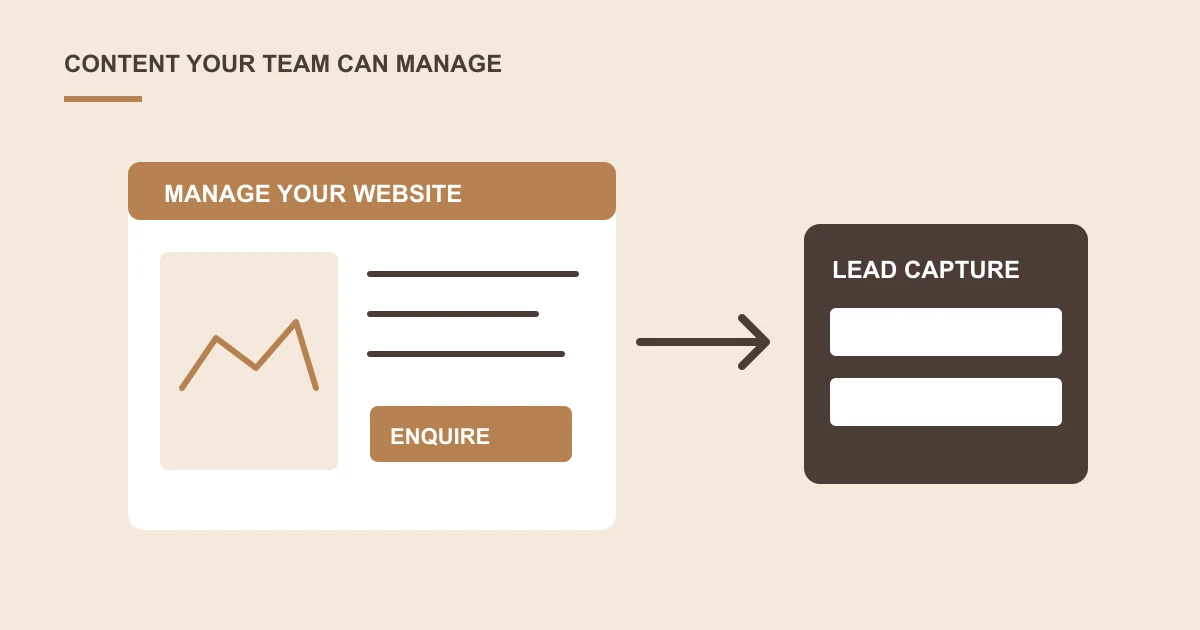
A service page should have a suitable next step. A form can pass the chosen service and the visitor's message into an agreed inbox or CRM.
Specify what is stored, who receives an alert and how a failed transfer is handled. Avoid treating email delivery as the only proof that an enquiry exists.
Define what managed means
Agree platform updates, backups, feature checks, support requests and renewal responsibilities. Confirm whether routine content help is included or handled separately.
Your business should retain appropriate account access and understand how to export its content and records.
Include handover and ongoing checks
Train the people who will edit the site. Test the complete path from publishing a page to receiving and assigning an enquiry.
Is a managed CMS different from a custom business application?
A CMS helps staff publish and maintain website content. A custom application usually manages a specific operational workflow. Some businesses need both, but a marketing website does not automatically require a new CRM or bespoke administration system.
Start with the pages staff edit and the enquiries they need to handle. Assess an established CMS and existing tools before deciding a custom feature is necessary.
What would a connected enquiry journey look like?
For example, an editor updates a service page, previews it and publishes within an approved layout. A visitor submits that page's enquiry form. The enquiry is retained in an agreed destination and the correct team receives a notification.
This is an illustrative process. The platform, storage, permissions and connection need to be scoped and checked. Our lead capture guide covers the handover and failure cases in more detail.
What should the CMS handover include?
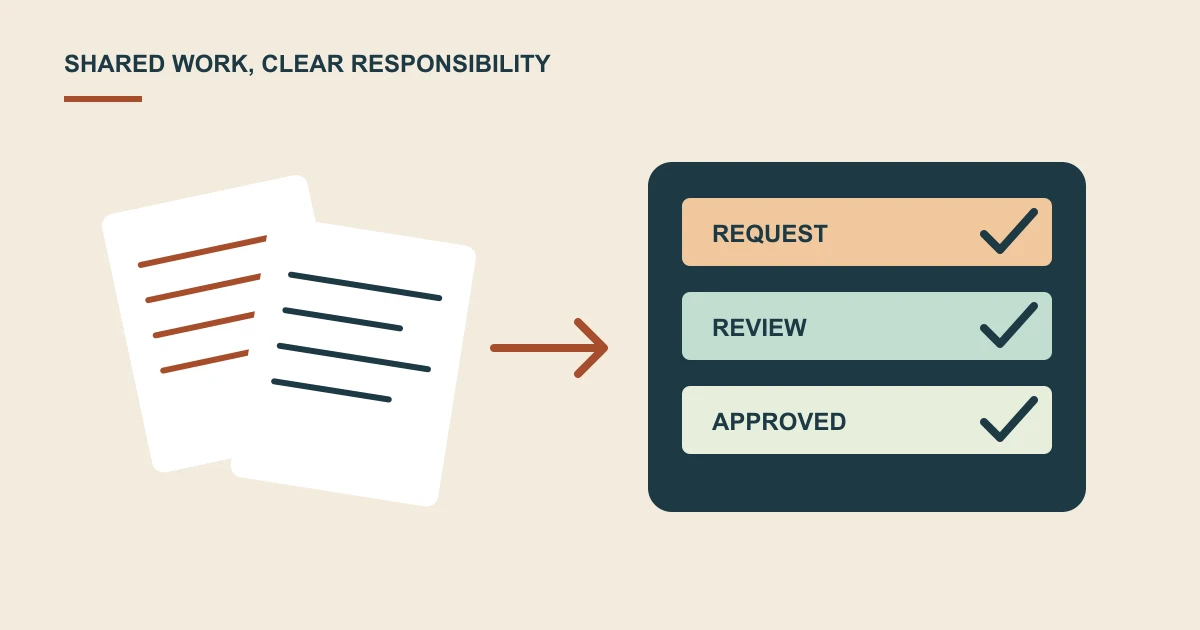
Ask for editor training, role permissions, reusable page layouts and a way to preview changes. Confirm who owns administrator access, licences, backups and ongoing updates.
Check the whole journey during acceptance: an editor can publish useful content, a visitor can enquire from a phone, and the team can find and respond to the enquiry. Keep content help, maintenance and new feature development distinct in the support agreement.
Explore WordPress and CMS development if you need an editable website with a connected enquiry process.
Common questions
Can a managed CMS connect to our existing CRM?
Possibly, depending on the CRM's supported access, your website platform and the information that needs to move. Assess the connection, data handling and support responsibilities before including it in the scope.
Can editors publish without administrator access?
Many CMS platforms support separate publishing roles. Agree the permissions your team needs and test representative editing tasks during handover.
Does managed mean content changes are included?
The term alone does not settle that. Define routine content support, platform maintenance and new feature work separately in the agreement.
Sources and project context
- WordPress: Roles and capabilities Checked 22 October 2026
Turn the question into a clear next step.
Tell us about your current setup, the people using it and what needs to improve.