The short answer
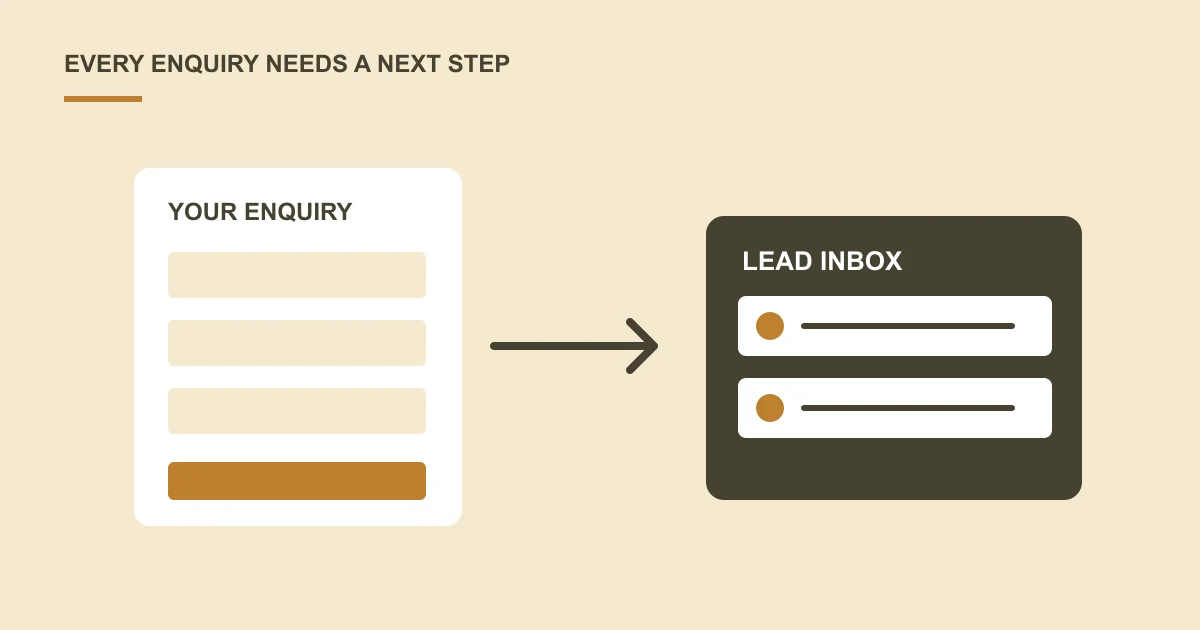
A useful lead capture process stores the enquiry reliably, alerts the right person and makes follow-up ownership clear. Plan confirmation, spam controls and connection failures as part of the form, rather than stopping at the submit button.
A visitor says they submitted a form, but nobody can find the message. Another enquiry reaches a general inbox and waits because everyone assumes someone else is replying.
Lead capture is a business process as well as a website feature.
Decide where every enquiry should go
Agree a reliable destination: an existing CRM, an approved enquiry system or another suitable record. An email notification can alert staff, but the team should know how to find the original enquiry if a message is missed.
Define the information needed for the first response. Avoid collecting sensitive details merely because the form can hold them.
Capture useful context
Record the service or page the visitor enquired from when it helps staff respond. If you use campaign tracking, agree what information is collected and how that fits your privacy notice and consent arrangements.
Keep contact details, project notes and attachments accessible only to the people who need them.
Plan the handover to your team
Choose who receives new enquiries, who assigns them and what happens when that person is away. Give the visitor a clear confirmation without promising a response time your business cannot meet.
Decide what staff do with duplicates, spam and incomplete requests. Keep the process understandable enough to use during a busy day.
Test failure as well as success
Check validation, message delivery, lead storage and mobile use. If the CRM connection fails, agree how the enquiry is retained and how someone notices.
Does lead capture require a custom application?
No. An existing CRM, a suitable form service or a manageable enquiry inbox may be enough. Compare what you already have before buying another system.
The decision should follow the number of enquiries, who needs access, how follow-ups are assigned and which information needs to move. Our managed CMS guide explains how editing and enquiry handling can fit together.
What should happen if the email or CRM connection fails?
Agree where the original enquiry is retained and who can investigate a failed transfer. The visitor's confirmation should not depend on an unverified assumption that an email reached the team.
For example, a service enquiry might be saved in an approved record, alert an assigned team member and wait for a retry if the CRM is temporarily unavailable. This is an illustrative workflow to scope, not a description of a feature every form tool already provides.
How can we check whether the process works?
Test an ordinary enquiry, missing information, a duplicate submission and an unavailable destination where the chosen tools allow it. Check what the visitor sees and what the team receives.
For ongoing review, agree how staff identify enquiries that have not been assigned or answered. Measure actual enquiries and follow-up quality rather than treating every click on a contact button as a completed lead.
Discuss form and system integration using your current enquiry journey as the brief.
Common questions
Do we need a custom CRM to capture website leads?
Not necessarily. Your existing CRM, a suitable form tool or a secure enquiry inbox may be enough. Choose around your volume, access requirements and follow-up process before commissioning new software.
What should happen if a lead notification is missed?
The team should know where the original enquiry is retained and how to find work awaiting a response. Decide who checks that queue.
Can our existing CRM receive enquiries?
Possibly. Check supported access, required fields, permissions and failure handling before including the connection in the scope.
Turn the question into a clear next step.
Tell us about your current setup, the people using it and what needs to improve.