
The short answer
Review a controlled copy of the website against agreed customer tasks and acceptance criteria. Separate visual feedback from failed functionality, record who approves corrections, and make the release decision only when the agreed evidence is available.
A review link is useful when everyone knows what it represents. It may show the final layout while email delivery, payment handling or a production integration remains disconnected. Begin by agreeing what can be evaluated in that environment and which checks require another stage.
This guide concerns the review and approval process. The migration-risk guide covers URL changes, redirects and search transition work. Keeping those responsibilities distinct helps the owner understand what a particular sign-off proves.
Establish the review environment
Ask the provider to identify the preview, its access arrangement and the differences from production. Confirm whether it uses demonstration records, disabled submissions or separate test integrations. Use suitable non-sensitive test data for the agreed journeys.
A noindex instruction concerns search indexing; it does not make a page private. Google's guidance explains that a crawler needs access to see that instruction. Material requiring confidentiality needs an appropriate access arrangement, not an assumption that an unlisted link cannot be discovered.
Review with a small set of complete tasks
Choose tasks that represent the work visitors need to complete. For a service business, one might be finding the right service, reading evidence and sending an enquiry. For an editor, it might be changing a service paragraph and confirming the public result.
Use the actual approved content and representative edge cases. Review the longest heading, an empty search result and an invalid form entry where relevant. Record the viewport or device so another reviewer can reproduce a layout problem.
Make feedback precise enough to act on
Record the exact page, expected result, observed behaviour and supporting screenshot or steps. Distinguish a correction to agreed work from a new request. The contract and scope govern the commercial treatment; the review record should first make the issue understandable.
For wording feedback, show the proposed replacement and identify who approves the underlying fact. For a failed interaction, describe the sequence rather than only saying that the page is broken. This reduces repeated exchanges about what was meant.
Blank staging review record
Keep the observation separate from the decision.
- Location
- Exact page and affected control.
- Expected
- Agreed task and acceptance condition.
- Observed
- Evidence of what happened.
- Decision
- Owner, correction and retest result.
Download the blank review record (CSV)
Retest the affected journey
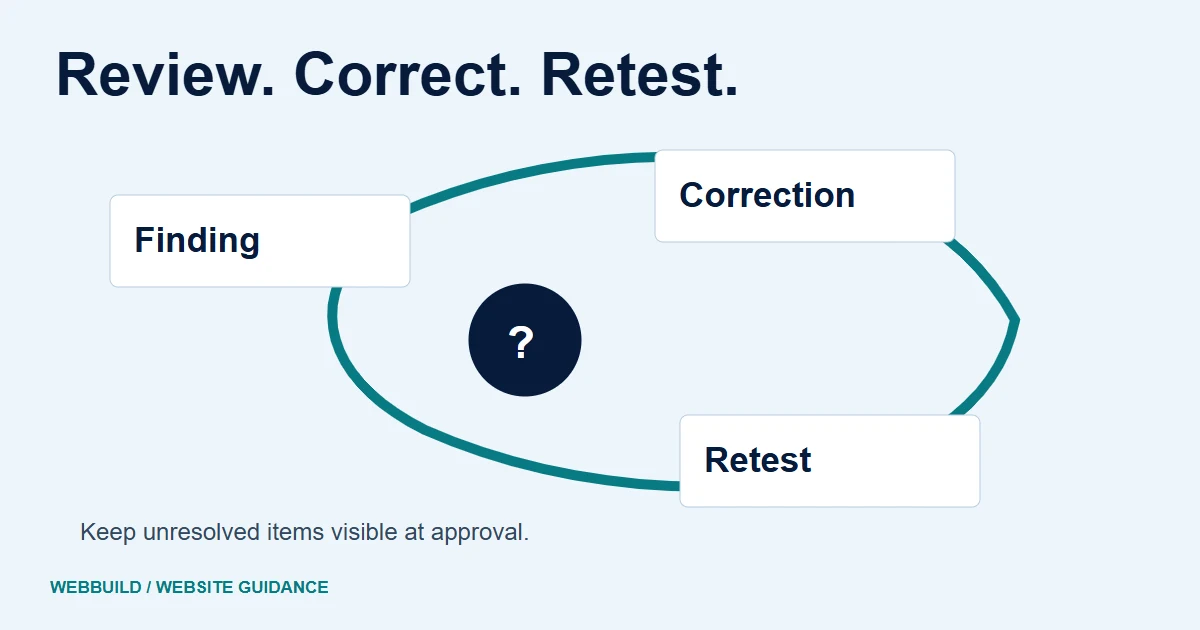
After a correction, repeat the relevant task and check nearby behaviour that may have changed. A new validation message can solve the wording problem while still leaving the wrong field focused. A layout adjustment can fit a laptop and clip a phone.
Use appropriate accessibility evaluation as part of the review. W3C describes evaluation methods and their limits; a single scan should not become an unsupported blanket compliance statement. Keep the evidence for each agreed method with the project record.
Record what the approval covers
A useful release decision names the reviewed version, accepted scope, unresolved limitations and any remaining production checks. Avoid treating an informal comment about the homepage as approval of all forms, content and integrations.
Make the next stage explicit. Production checks may need to confirm the real receiving system, canonical addresses and public assets after deployment. They belong in the delivery plan even when the preview has passed its own checks.
Use the redesign brief to agree these responsibilities early, or discuss a website redesign with the tasks your business needs to approve.
Tell us about your project
Start with your details. We’ll discuss the right next step.
Questions covered in this guide
Does noindex make a preview private?
No. It concerns indexing. Use appropriate access controls when the preview contains material that should not be public.
Does approving the appearance approve every integration?
No. Agree and review the evidence for the functional scope separately.
Sources and project context
- Google Search Central guidance Checked 7 November 2026
- W3C accessibility guidance Checked 7 November 2026
- Yukt Law Offices: redesign and continuing website care Web Build Solutions project record
Turn the question into a clear next step.
Tell us about your current setup, the people using it and what needs to improve.